Follow us on :

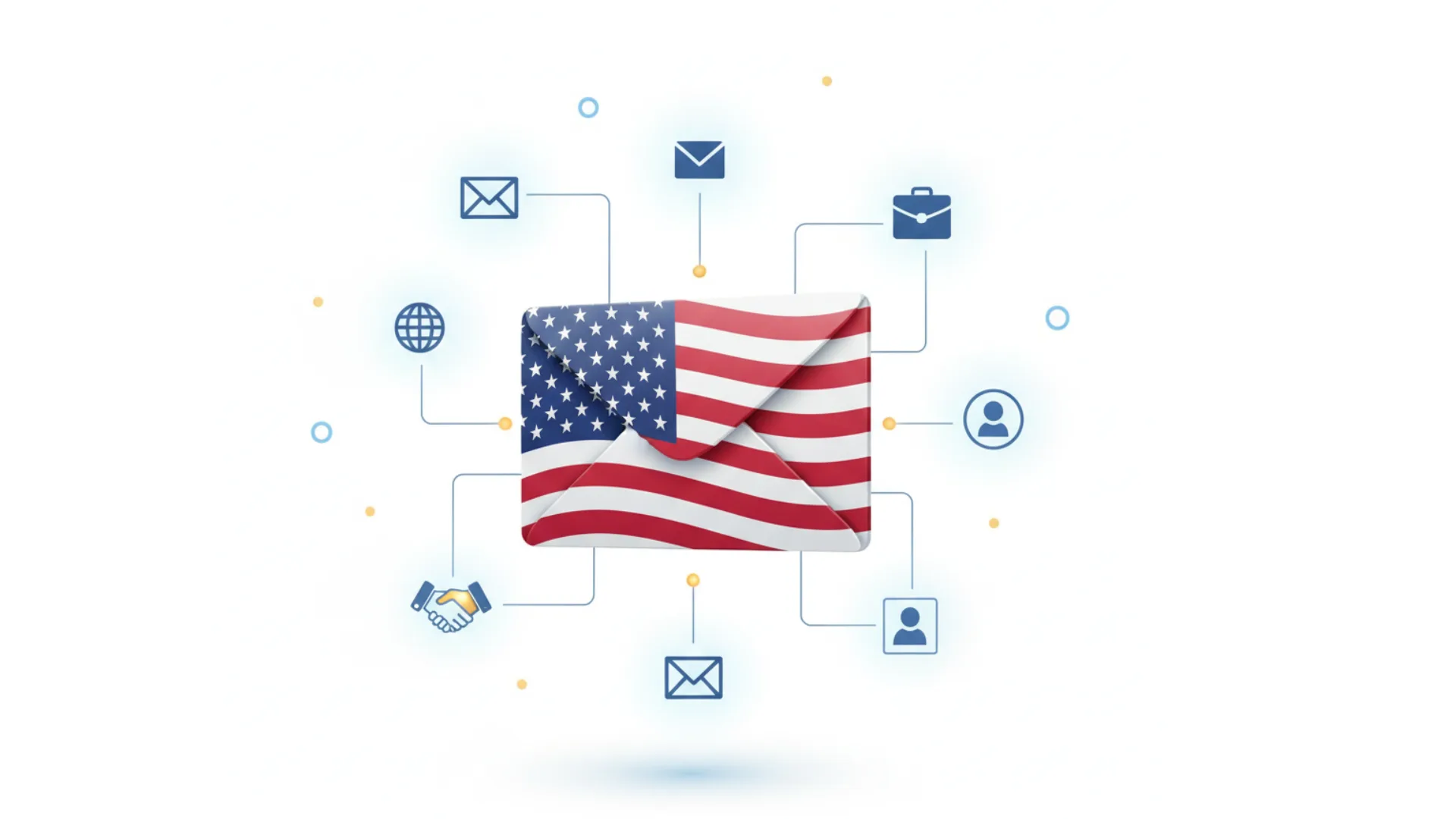
Quick answer: A USA business email list is a B2B database of verified contacts at companies based in the United States. Each record pairs a business email with name, job title, company, industry (usually a NAICS or SIC code), company size, revenue, and location down to state, city, and ZIP code, so you can target U.S. buyers by region, industry, and role.
This guide explains what a U.S. business database should contain, how big the U.S. business market actually is, how to segment it, how to compare providers, and which U.S. email rules apply to your campaigns.
Key takeaways
A USA business email list is a segmented database of professionals who work at U.S. companies, along with their business contact details and company data. It covers owners, executives, managers, and specialists across industries, and it is used for B2B email campaigns, sales prospecting, account-based marketing, event promotion, and market research.
You will also see it called a USA email list, a U.S. business email list, a U.S. B2B database, or a USA mailing list. A “mailing list” often includes postal addresses for direct mail. Some vendors also sell consumer lists under similar names, so check that the product you are buying contains business contacts before you order.
The U.S. Census Bureau counted about 5.58 million employer firms with between 1 and 499 employees in 2023, plus about 30.4 million nonemployer businesses, which have no paid staff, according to its 2026 small business data summary.
Two Census definitions are useful when you buy business data:
| Term | Census definition | Why it matters for your list |
|---|---|---|
| Establishment | A single physical location of a business | A chain can appear many times, once per location. Decide whether you want every branch or only headquarters. |
| Firm | A business organization of one or more establishments under the same owner | Account-based campaigns usually target firms, then the right people inside them. |
| Nonemployer business | A business with no paid employees | Often a sole proprietor. Useful for some offers, but not for products that need a buying team. |
The practical takeaway: a U.S. list with no size filter will be dominated by very small businesses. If you sell to mid-market or enterprise buyers, set employee and revenue filters first.
| Field group | Typical fields | How it helps |
|---|---|---|
| Contact | Full name, business email, direct phone, LinkedIn profile URL | Reach the person on more than one channel |
| Role | Job title, seniority, department | Match the message to buying authority |
| Company | Company name, website, NAICS or SIC code, employee range, revenue range | Filter to your ideal customer profile |
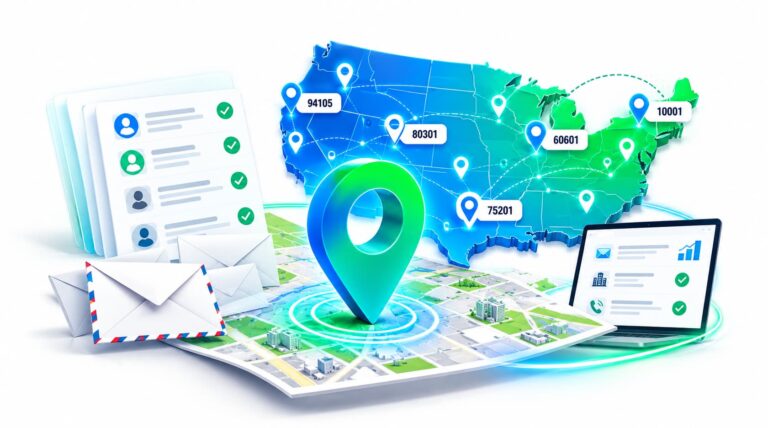
| Location | Street address, city, state, ZIP code, county, metro area, time zone | Build territories, plan call windows, and run direct mail |
| Site type | Headquarters, branch, or single location | Avoid emailing ten branches of the same company |
| Record quality | Last verified date, verification status | Decide what to send now and what to re-verify |
Ask providers for fill rates in your segment. Business emails are usually well populated, while direct phones and LinkedIn URLs vary widely by industry and company size.
Example segments:
Explore CampaignLake's B2b Email Database
U.S. business data comes from two kinds of vendors. List providers build a custom file to your filters and deliver it once or on a schedule. Data platforms sell subscription access to a searchable database. Choose based on whether you need a defined campaign list or ongoing self-serve prospecting.
| Provider | Model | Commonly used for |
|---|---|---|
| CampaignLake | Custom list built to your filters, delivered as a file | U.S. campaigns filtered by state, industry, company size, and job title |
| ZoomInfo | Subscription sales intelligence platform | Enterprise sales and marketing teams that want contact, company, and intent data in one place |
| Dun & Bradstreet | Business data and company information provider | Company-level data, credit and risk information, and account research |
| Data Axle | Business and consumer data provider | Local and regional campaigns that include direct mail |
| Apollo.io | Contact database combined with email sequencing | Outbound teams that want prospecting and sending in one tool |
| Lusha | Contact lookup platform with a browser extension | Reps looking up individual contacts while prospecting |
| UpLead | Credit-based B2B contact database | Smaller teams that prefer paying per contact exported |
Features, pricing, and coverage change often, so confirm current details on each vendor’s site and test a sample of your own segment. Our provider audit checklist gives you a consistent way to compare them.
For a deeper method for testing a sample, see our guide to B2B email list accuracy.
These rules apply to you as the sender, even when you buy the data. This is general information, not legal advice.
Most list providers price U.S. business data by custom quote. The main cost drivers are:
Subscription platforms usually charge by seat and export credits instead. Compare the cost per usable contact in your segment, not the headline price.
CampaignLake is a B2B data provider that builds custom contact lists for sales and marketing teams. Its USA business email list is organized by industry, location, job title, and company size, and can be narrowed to specific states, industries, and roles.
If your market extends beyond the U.S., CampaignLake also offers a North America business email list covering the United States, Canada, and Mexico. For role-based targeting, see its C-level executives list.
The best way to judge any list is to test it. Request a sample built to your segment, check it against the criteria above, and compare it with other providers before you buy.
Ready to Reach More Decision-Makers?
Access verified business decision-maker data worldwide. Filter, download and build targeted outreach lists in minutes—without manual scraping or guesswork.
A USA business email list is a B2B database of verified contacts at U.S. companies. Records typically include business email, name, title, company, industry code, company size, revenue, and location by state, city, and ZIP code, and are used for email campaigns, prospecting, and account-based marketing.
Usually, but not always. In B2B marketing, “USA email list” normally means business contacts. Some vendors also sell consumer lists under similar names, so confirm that the records are business contacts before you buy.
The Census Bureau counted about 5.58 million employer firms with 1 to 499 employees in 2023, plus about 30.4 million nonemployer businesses with no paid staff. Most U.S. businesses are small, so size filters are essential when building a list.
Yes. Most list providers, including CampaignLake, let you filter by state, city, metro area, or ZIP code and combine location with industry, company size, and job title.
Under CAN-SPAM, B2B commercial email does not require prior consent, but you must use accurate headers, honest subject lines, a physical postal address, and a working opt-out honored within 10 business days. California’s privacy law also covers business contacts. This is general information, not legal advice.
In Census terms, an establishment is a single physical business location, while a firm is the organization that owns one or more establishments. A retail chain is one firm with many establishments, which matters when deciding whether to target headquarters or every location.
Request a sample of your exact segment, spot-check records against company websites and LinkedIn, confirm industry codes and geographic balance, ask for last-verified dates, and review the provider’s replacement terms for bounced records.
Common fields include name, job title, business email, phone, company name, website, NAICS or SIC code, employee range, revenue range, and full address with city, state, and ZIP code. Some lists add LinkedIn URLs, headquarters or branch flags, and technology data.
No, a USA list covers U.S. businesses only. If you need all three countries, look for a North America business email list, which covers the United States, Canada, and Mexico.
List providers usually deliver CSV or Excel files, which import into most CRM and marketing automation tools. Subscription platforms typically export to the same formats or sync with a CRM directly.

David Jax is a seasoned B2B marketing strategist specializing in targeted email lists and data-driven outreach solutions. With years of experience in lead generation and sales enablement, David helps businesses connect with the right audiences through precision-based marketing tactics. His ability to translate complex data into clear, actionable strategies has made him a trusted voice in the B2B space. Outside of his writing, David is passionate about exploring emerging trends in marketing technology and refining techniques that maximize campaign performance. He regularly contributes to leading industry blogs and enjoys sharing insights that help marketers turn data into growth.